
Free Toll Station Receipt Generator
A toll station receipt provides a detailed record of a toll transaction. This professionally designed template is fully customizable, allowing you to edit items, prices, and store details instantly.
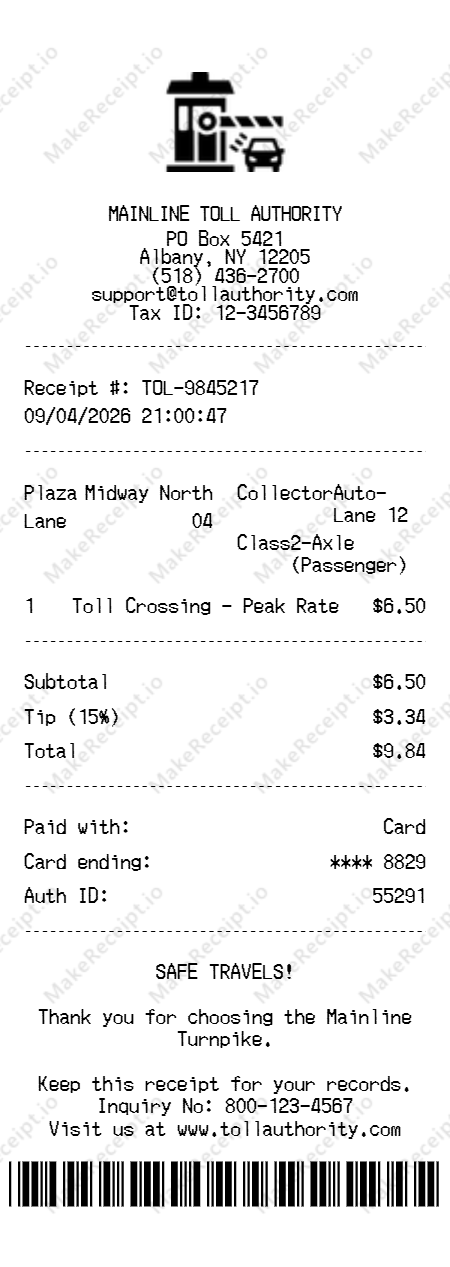
How to Create a Toll Station Receipt in Seconds
A simple 3-step process to create your custom receipt in seconds.
Choose your template
Choose our specialized toll station layout designed to match standard highway and bridge authority receipts globally.
Customize every detail
Enter the specific toll road name, vehicle class, and toll booth location. Add any specific service fees or taxes required for your region.
Download instantly
Review the automated total calculations and export your high-resolution receipt for expense reports or tax records.
Sample Toll Station Receipt Items
Here are typical line items you would find on a Toll Station receipt, along with realistic price ranges and quantities.
| Item Description | Quantity | Realistic Price |
|---|---|---|
Passenger Vehicle Toll (Peak) | 1 | $6.50 |
Commercial Truck (3-Axle) | 1 | $15.75 |
HOV Lane Usage Surcharge | 1 | $3.50 |
Weekend/Holiday Surcharge | 1 | $2.00 |
Toll Tag Reload (Manual) | 1 | $25.00 |
Note: Items and prices may vary by location and season. All samples are for reference and design purposes only.
Toll Station Receipt Fields: What Each One Means
Understanding each field on a toll station receipt helps you create accurate, realistic mockups. Here's what every field represents and where it appears on the receipt.
Transport Identity
The official brand identity of the TOLL AUTHORITY, representing the regional management of highway and bridge infrastructure.
Plaza Location & Tax ID
The physical coordinates of the specific toll plaza and its unique localized Tax ID (e.g., 12-3456) for multi-regional transit auditing.
TOL / Receipt Reference
A unique identifying number (e.g., TOL-9845) assigned to your specific bridge, tunnel, or turnpike crossing transaction.
PLAZA / Hub Name
Identifies the specific physical crossing location (e.g., Midway North), essential for regional transit and auditing tracking.
LANE / Station Identifier
Refers to the specific point-of-passage (e.g., Lane 04) where your vehicle was scanned or the E-ZPass was processed.
COLLECTOR / Admin ID
Identifies the specific transit professional or automated system (e.g., Auto-Lane 12) that managed your crossing operation.
CLASS / Vehicle Category
A unique logic field identifying the vehicle weight and axle count (e.g., 2-Axle), essential for high-fidelity rate auditing.
Transaction Date
The calendar day the highway transit, bridge passage, or express-lane usage was officially authorized and purchased.
Transaction Time
The high-fidelity record of exactly when the vehicle passed the sensor or the digital toll payment was finalized.
Item Description (Rate Tier)
The professional name for each transit fee (e.g., PEAK RATE TOLL) including its specific day-part or service level identifiers.
Quantity
The Number of vehicle crossings, hub segments, or specific administrative units included in your premium Toll Station transaction.
Transit Unit Price
The individual retail investment for one crossing unit based on current "Toll Schedule" or seasonal peak valuations.
Logistics Subtotal
The total cost of all transit services before regional infrastructure taxes and specialized service fees are applied.
Administrative Service Fee
A unique signature field identifying the monetary volume added for account management or physical plaza operation.
Sales Tax Amount
The calculated state and local retail taxes applied based on regional transportation and infrastructure tax laws.
Total Transit Investment
The final financial volume for your Toll Station experience, including all fares, taxes, and applied fees.
Payment Method
The financial instrument used at the booth, typically showing "Card" or a secure "E-ZPass" transponder account.
Card Number (Masked)
The final protected digits of the payment card used for secure transit transaction records.
Auth / Inquiry Code
The unique numeric authorization provided by the host terminal to verify the secure transit fund transfer.
Safe Travels Note
A signature message in the footer reinforcing the brand's commitment to road safety and the "800-number" inquiry policy.
Barcode / TOL Scan
A unique scannable transit identifier at the bottom used for rapid transaction audits and verified transit provenance.
Tips for Creating a Realistic Toll Station Receipt
Follow these professional tips to ensure your toll station and bridge receipt mockup looks authentic and indistinguishable from a real highway transit transaction.
Common Use Cases for a
Toll Station Receipt
Discover why thousands of users rely on our professional receipt generator daily.
Personal Bookkeeping
Replace lost or damaged original receipts to maintain accurate household financial records and track personal expenses.
Business Expense Tracking
Keep detailed, legible records of your retail, grocery, and specialty purchases for internal business accounting.
Theatrical & Film Props
Create highly realistic, authentic-looking receipt props for use in independent films and stage theater productions.
Educational Purposes
A valuable resource for mathematics exercises, introductory accounting classes, and retail cashier training scenarios.
Your Privacy & Security Guaranteed
We built this tool with your data privacy as our absolute top priority. No tracking, no saving, no worries.
100% Local Processing
Your data never leaves your device — everything is processed entirely in your web browser.
Zero Data Retention
We do not save, store, or transmit your generated receipts.
Instant Previewing
See your receipt update in real-time as you type.
Secure & Private
Your custom receipt data is fully secure for your absolute peace of mind.
Why Choose Our
Make a receipt?
We've meticulously engineered every aspect of our generator to give you the most advanced, authentic, and customizable receipt-making experience on the web.
Pixel-Perfect
Crafted templates that mirror real retail and grocery layouts line by line.
Smart Calculations
Instantly computes subtotals, complex state taxes, and grand totals automatically.
Full Customization
Total freedom to modify store info, items, exact payment details, and barcodes.
High-Res Export
Download crisp, beautifully sized, print-ready images instantly.
Frequently Asked Questions
Everything you need to know about generating your Toll Station Receipt.
Explore Other Receipt Templates
Need a different receipt? Check out our other free, high-fidelity templates.
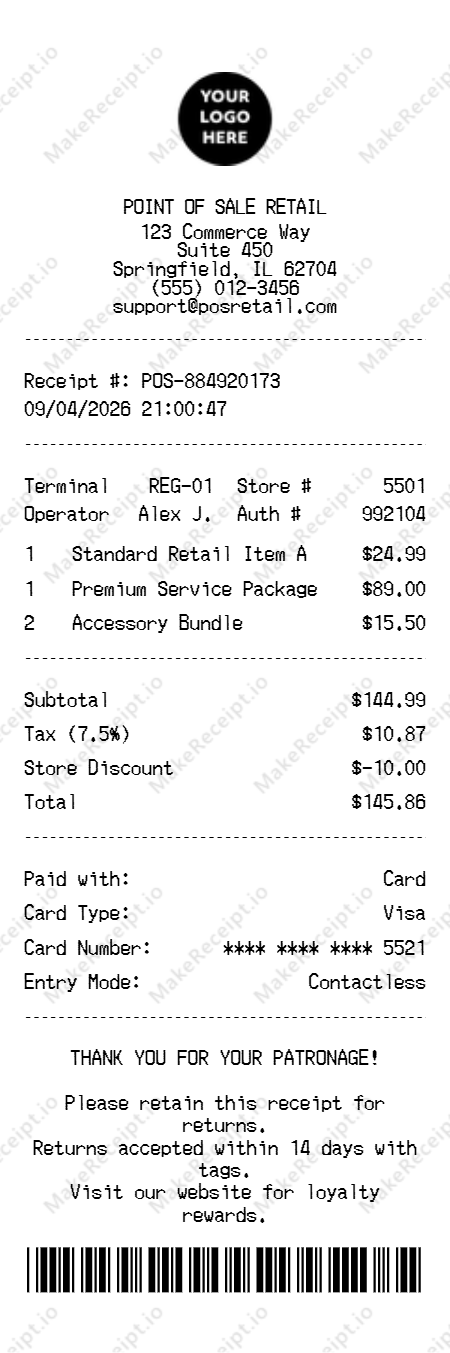
POS Receipt
Create a professional Point of Sale (POS) receipt for any retail or service business.
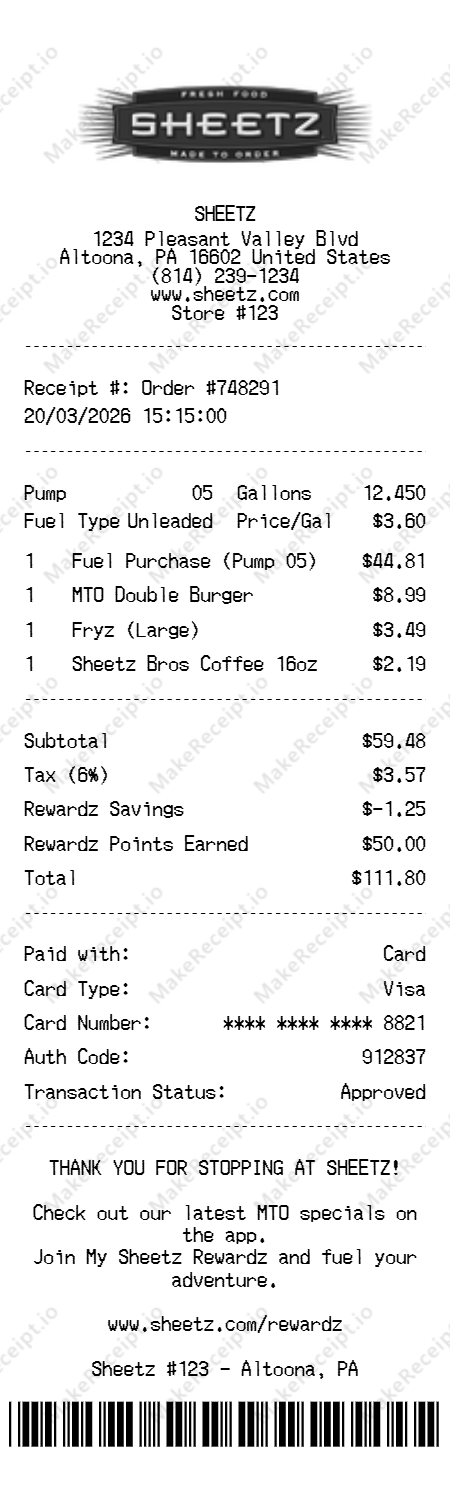
Sheetz Receipt
Create an authentic Sheetz receipt for fuel and MTO food purchases with My Sheetz Rewardz points.
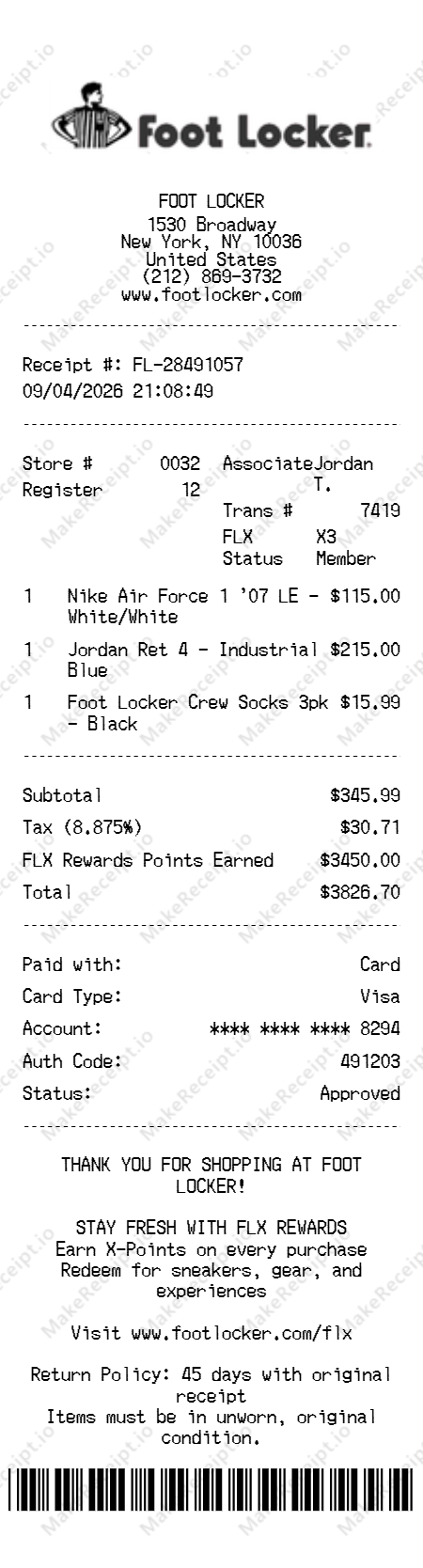
Foot Locker Receipt
Create a professional Foot Locker receipt for footwear and athletic apparel with FLX Rewards.
Legal Disclaimer & Acceptable Use
This free tool is designed exclusively for novelty, theatrical prop design, educational purposes, and personal record-keeping. It is strictly prohibited to use these generated documents for fraudulent activities, tax evasion, deceiving businesses, or claiming unwarranted returns. Users accept full and sole responsibility for how they utilize the generated receipts and agree to comply with all applicable local, state, and federal laws.